MIDI Sound Editor

A browser-based MIDI editor for the original blue VOX Valvetronix ToneLab Desktop. Edit your sounds, back up presets, and save reusable effect chains.
Open editorWhat you need
VOX ToneLab Desktop
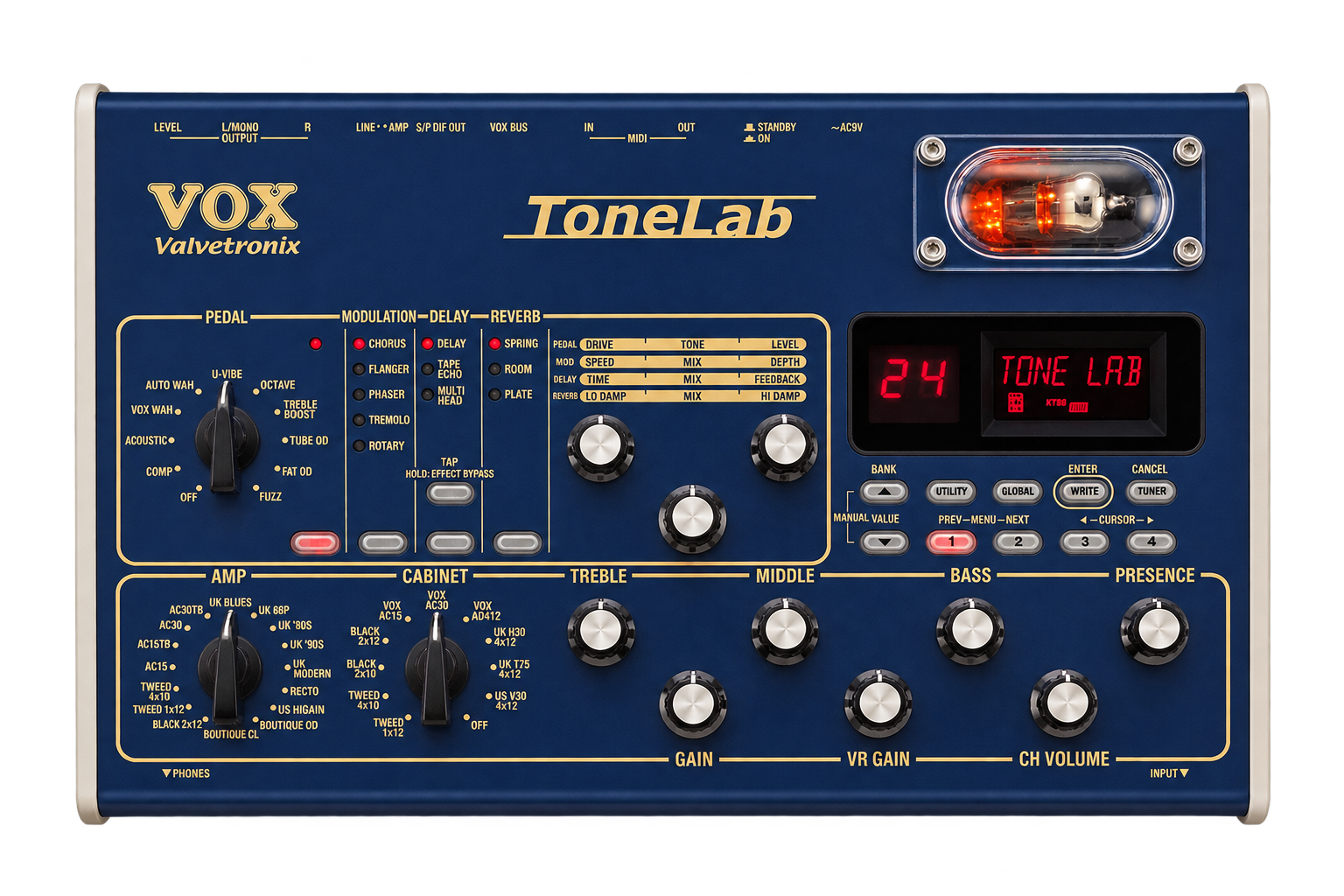
You’ll need the original blue ToneLab Desktop and a USB–MIDI interface to hear your edits. Connect the MIDI IN and OUT ports, then open the editor in desktop Chrome and allow MIDI access.
To look around without hardware, choose Explore in the editor’s connection dialog.
Inside the editor
Build your preset library
- Preset library
- Save complete sounds in your browser and export backups to move between computers.
- Effect presets
- Save the settings for a single effect, like a tape echo you’ve dialed in, and reuse them in other sounds.
- Effect chains
- Save the pedal, modulation, delay, and reverb slots together. Recall the whole chain with any amp and cabinet.
Frequently asked questions
Which VOX ToneLab models are supported?
ToneLab Ampfiddler is a browser-based alternative to the original ToneLab Sound Editor for the blue VOX Valvetronix ToneLab Desktop. It does not support the ToneLab SE, LE, ST, or EX.
How do I connect my ToneLab to a computer over USB–MIDI?
Connect the interface’s MIDI OUT to the ToneLab’s MIDI IN, and its MIDI IN to the ToneLab’s MIDI OUT. Open the editor in desktop Chrome, allow MIDI access, and select your interface for both ports.
How do I back up and restore my ToneLab presets?
In Settings, choose Export all presets to download a JSON backup of your saved local patches. Use Import presets to restore them to your browser library. To include a hardware program in the backup, load it from the ToneLab and save it as a local preset first.